Creating Views
Views are the one-stop shop in Prism Space to retrieve insights in seconds. Allowing for effortless staff management. Heres how to create a view:Getting to Staff Management
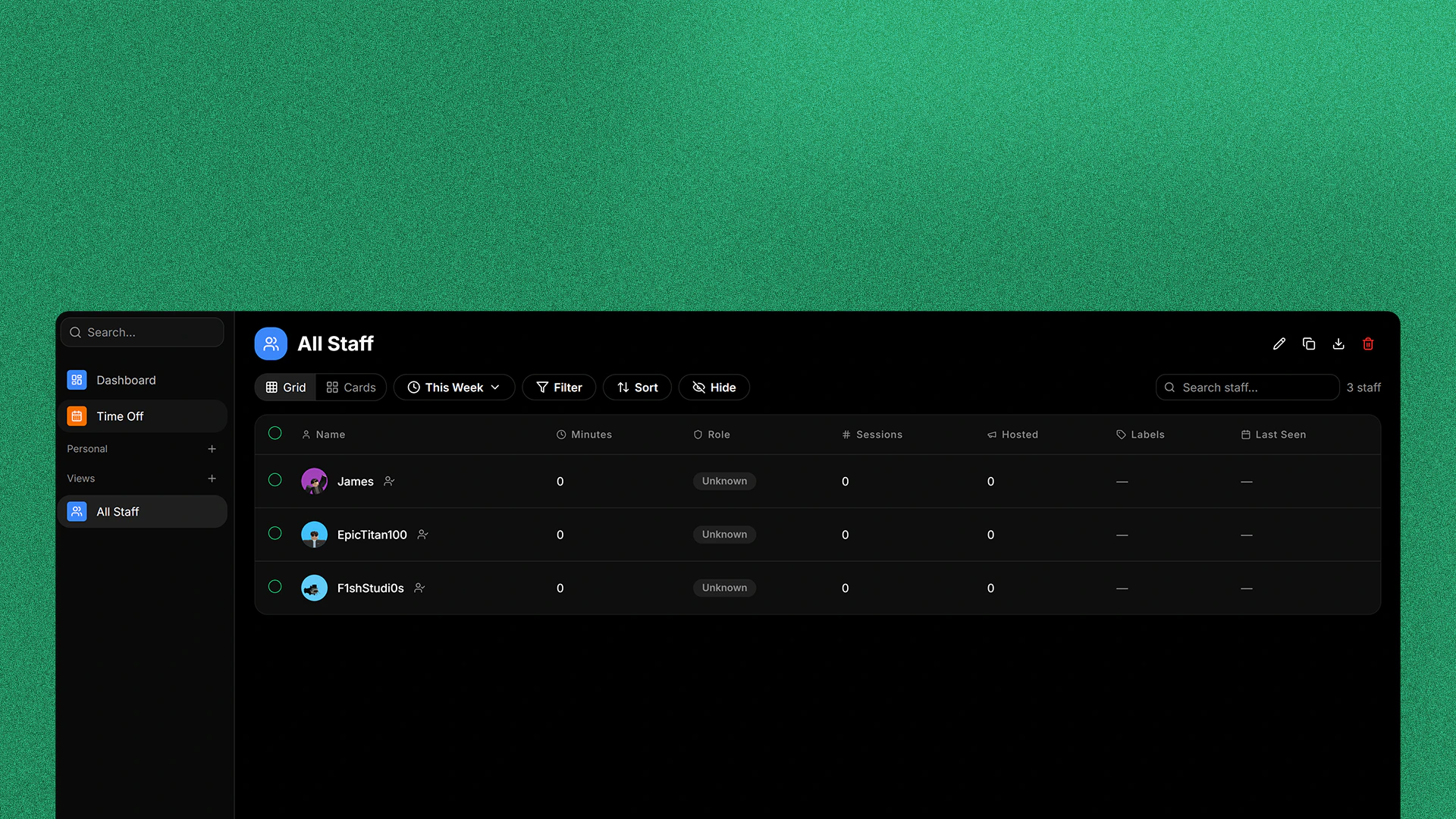
In your Prism Space workspace, click Staff Management in the sidebar and you will be taken to the Staff Management Dashboard.
Opening the Create a View window
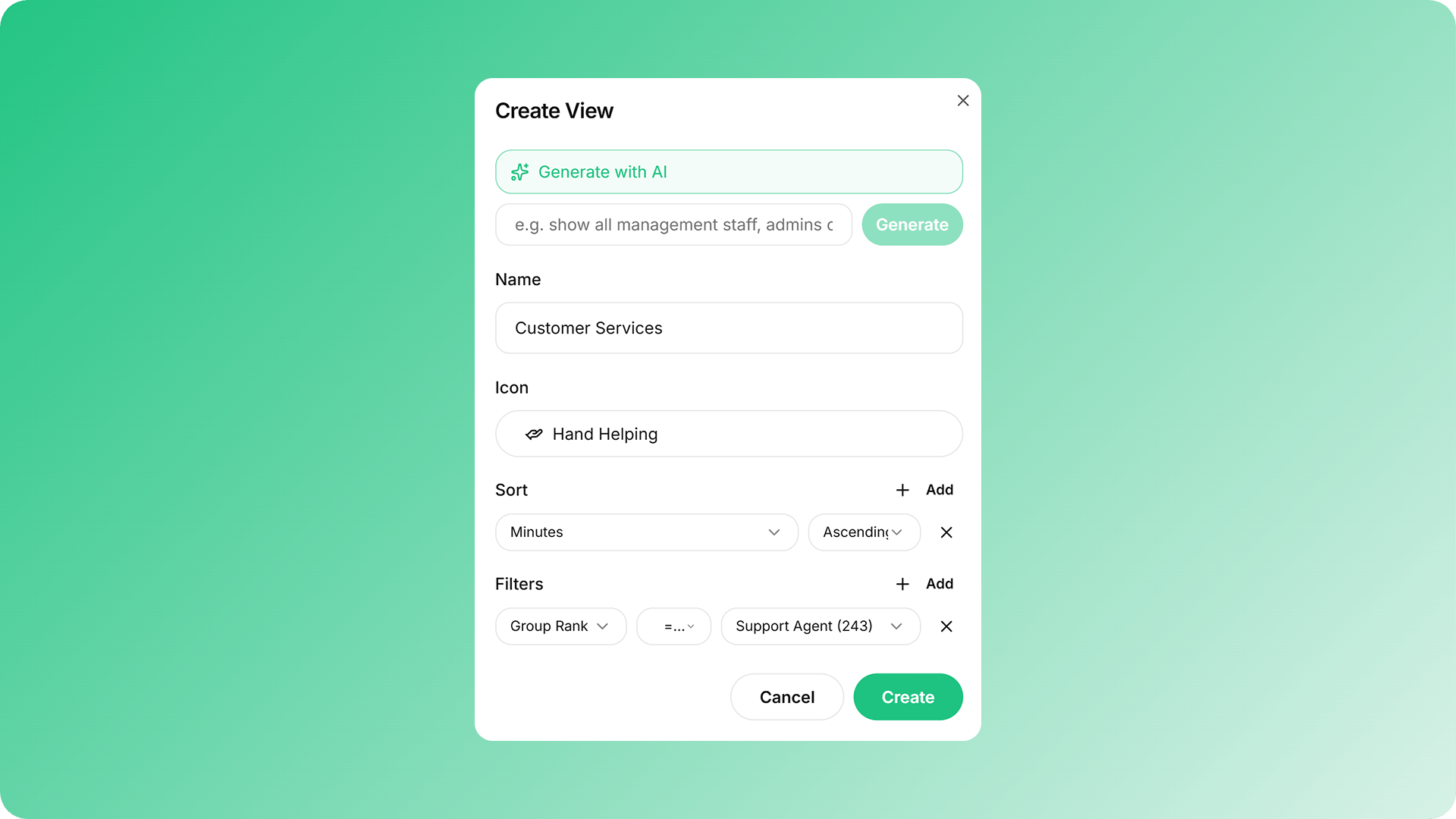
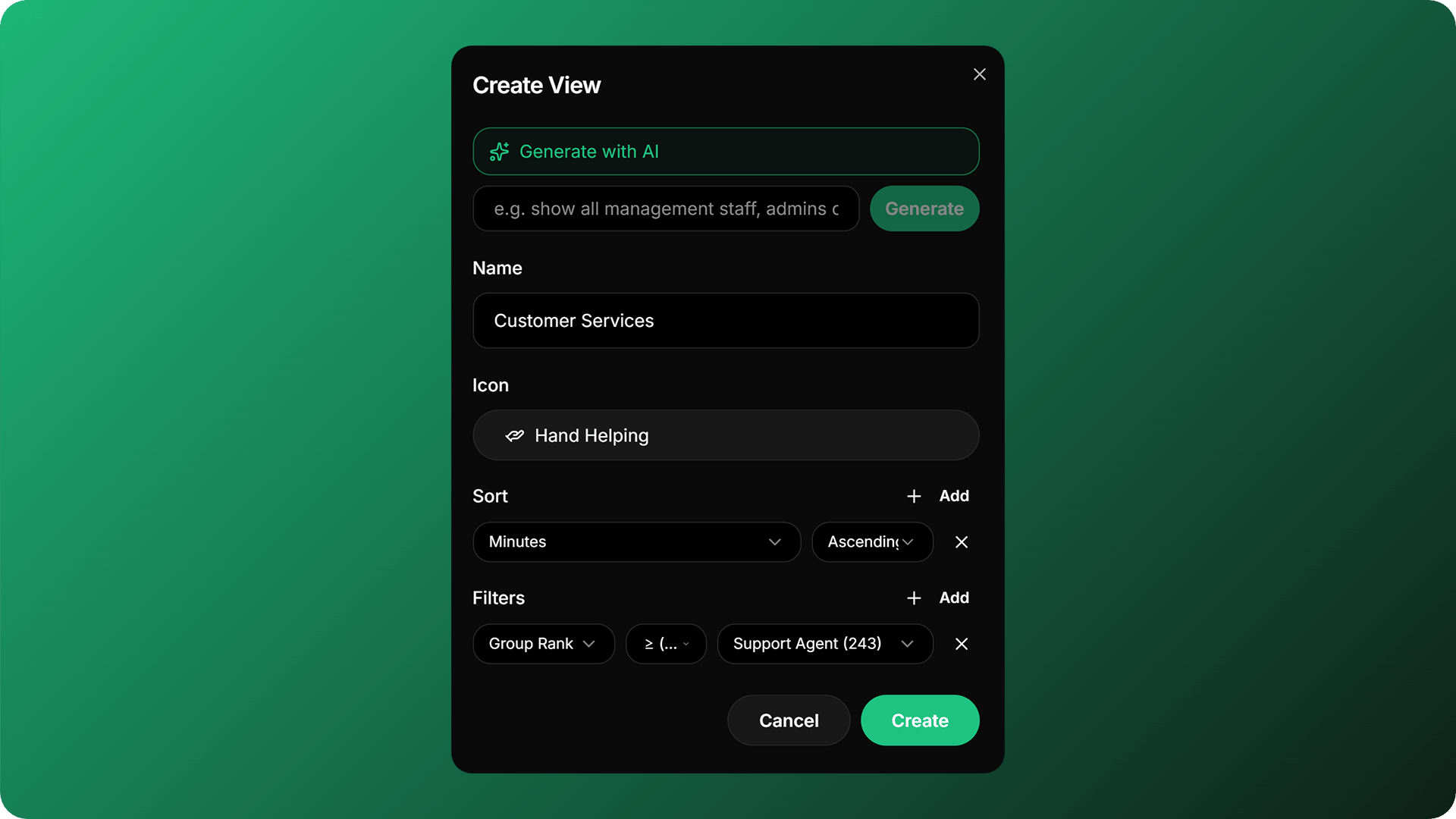
Click the plus button next to views to open the create a view menu. This is where you will configure your view.
Filtering Staff
Filter allows you to filter staff that doesn’t fit any of the requirements you’ve set. You can do this to filter which staff are at a certain rank, has a certain department and many more! To do this, click Filter and then click Add Filter, select a property that you would like to filter by, select from the dropdown the filter type and it’s value.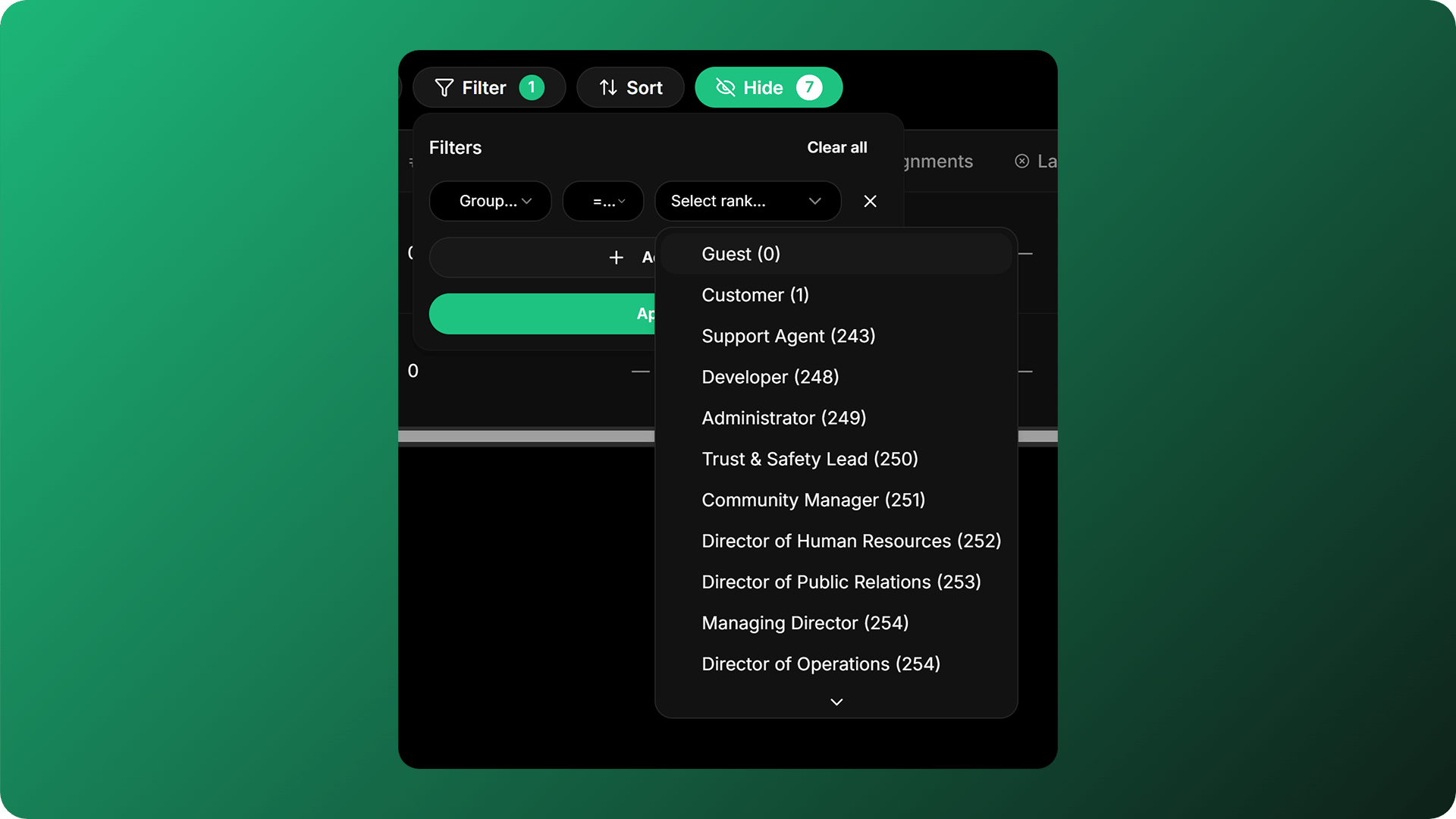
Sorting Staff
Sorting staff allows you to sort your staff, this neatly organises them by rank, department, and more. To do this, click Sort and click Add Sort, same as filter, select a property that you eant to sort out, and select if the sort is accending or decending .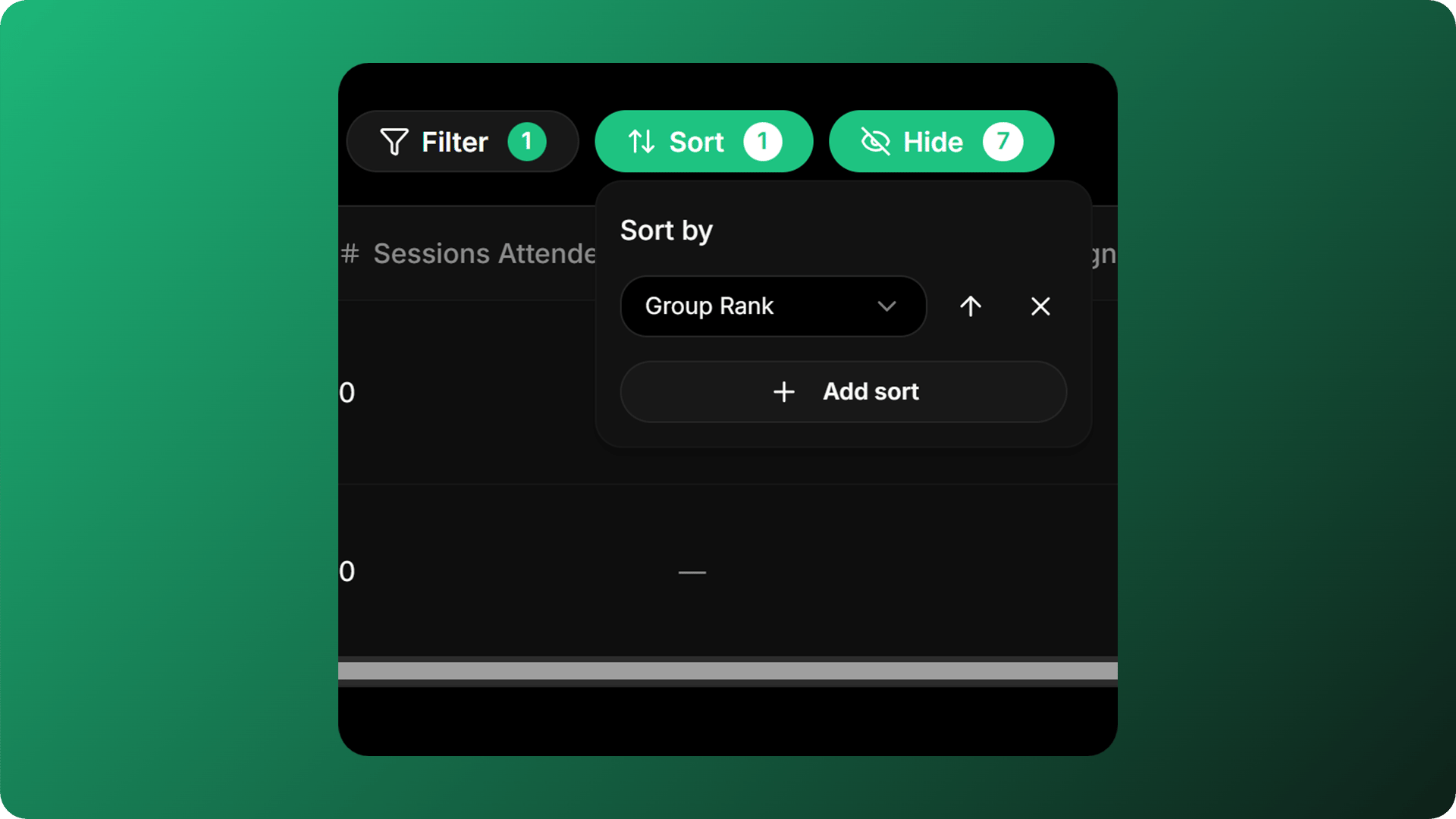
Hiding Fields
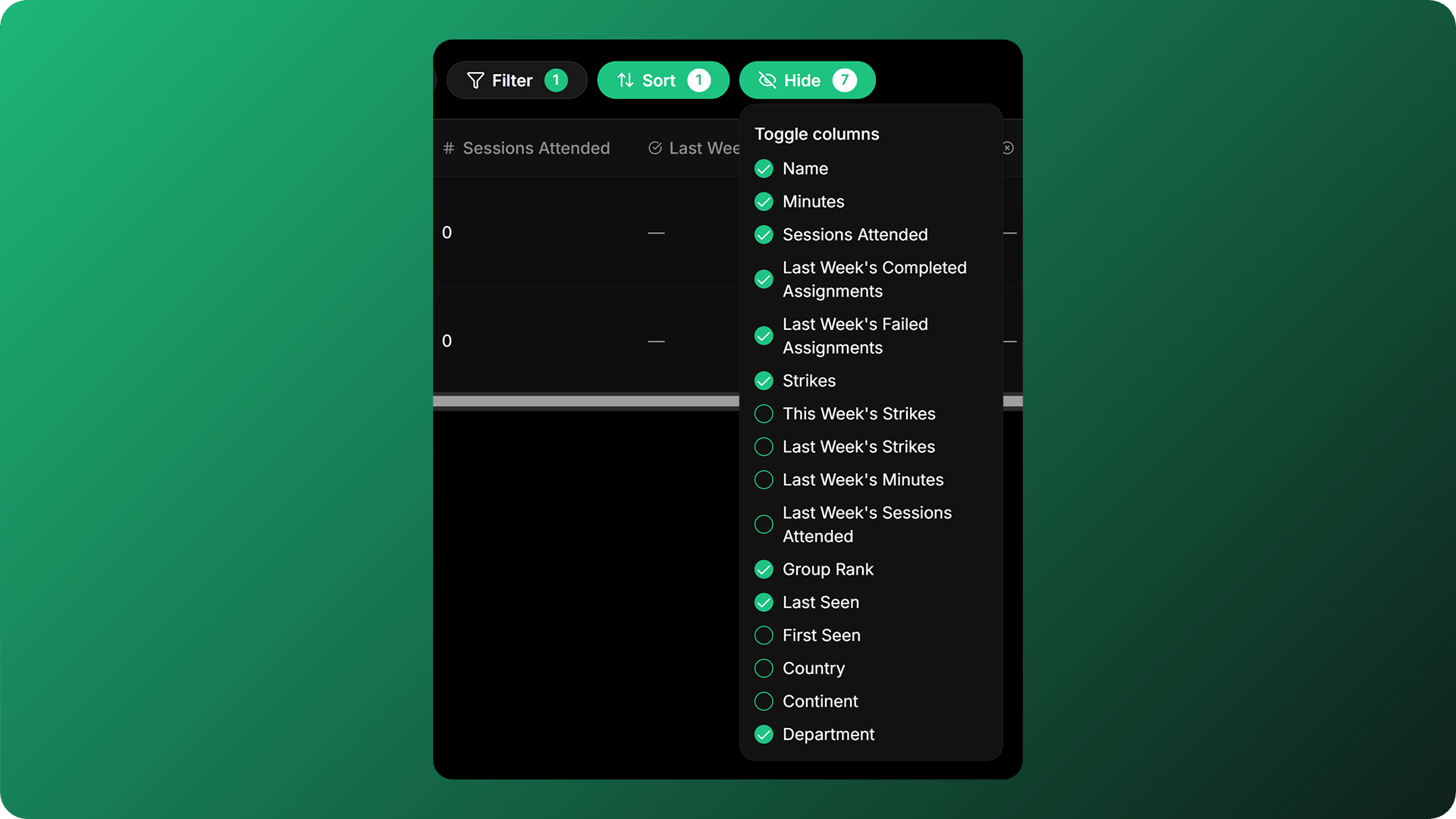
When creating new views, all fields will be shown by default. But sometimes this can cause your view to feel cluttered with information you might not need. Hiding FIelds solves this issue. Hiding Fields allows you to select ehich fields will only be shown to the view. To do this, click Hide and check which fields will be shown or not.