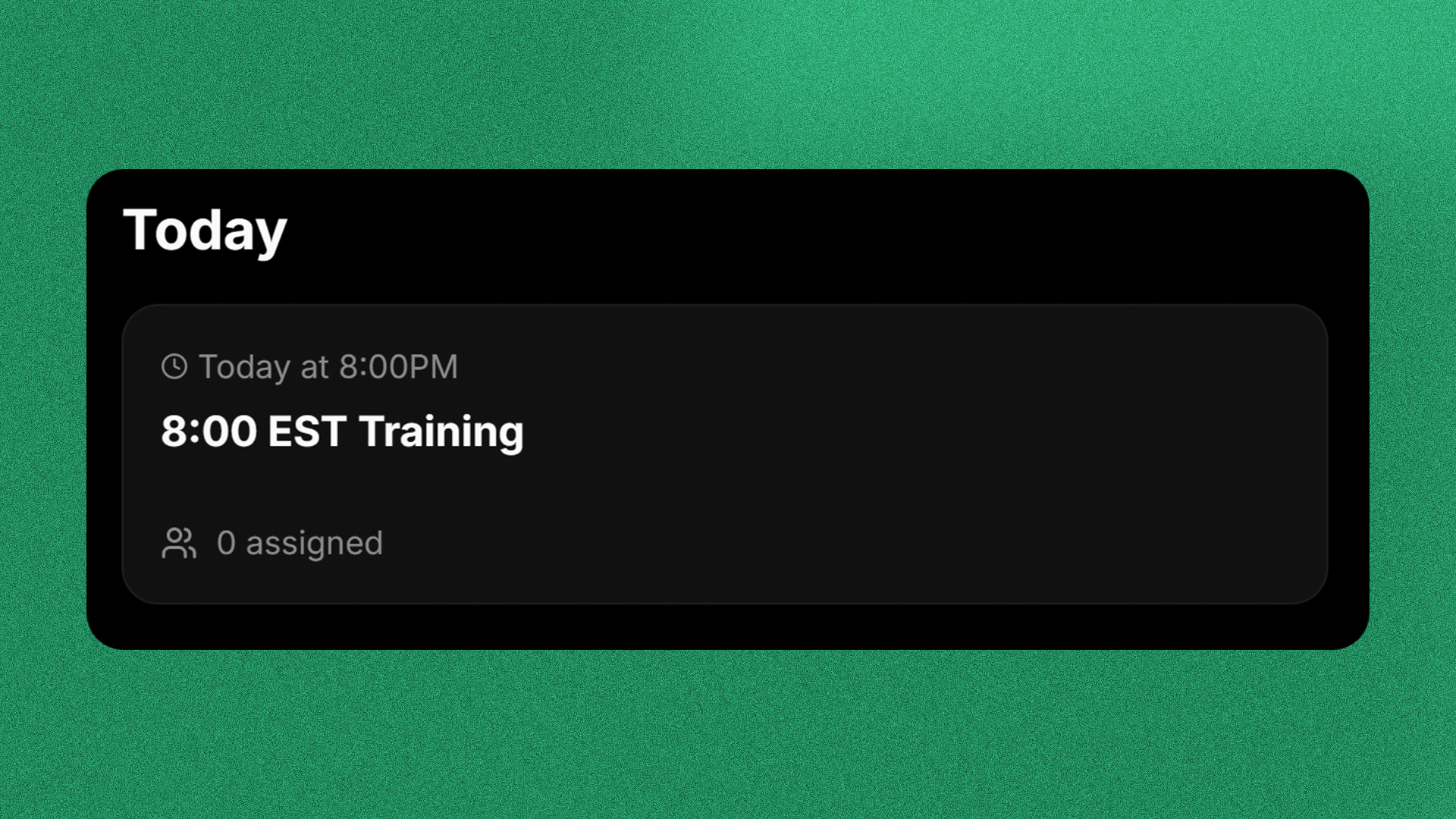
What are Sessions?
Sessions are one-time or repeated events that occur in your community. They could be training sessions, promotional shifts, etc.
Creating a Session
Before you continue, make sure you have the Workspace Admin permission in your Prism Space workspace.
Go to Session Settings
To create a session go to your workspace and click Settings in the topbar, then click Sessions in the sub-sidebar.
Create a Session
Click the button Add Session and a popup will show.
Configure the Session
In the Session Configuration page, fill out all the necessary fields and enable which role groups will be shown.To disable co-host on your sessions, enable the Disable Co-Host toggle on the right side of the page.
Ad Hoc Sessions
Ad Hoc Sessions are sessions that are automatically start when a staff member created it.
To enable the feature, toggle Allow Adhoc Events on the right side of the popup below disable co-host.
Be sure that the Create Adhoc Sessions permission is enabled in your roles for your workspace members to create Ad Hoc Sessions.