Joining Sessions
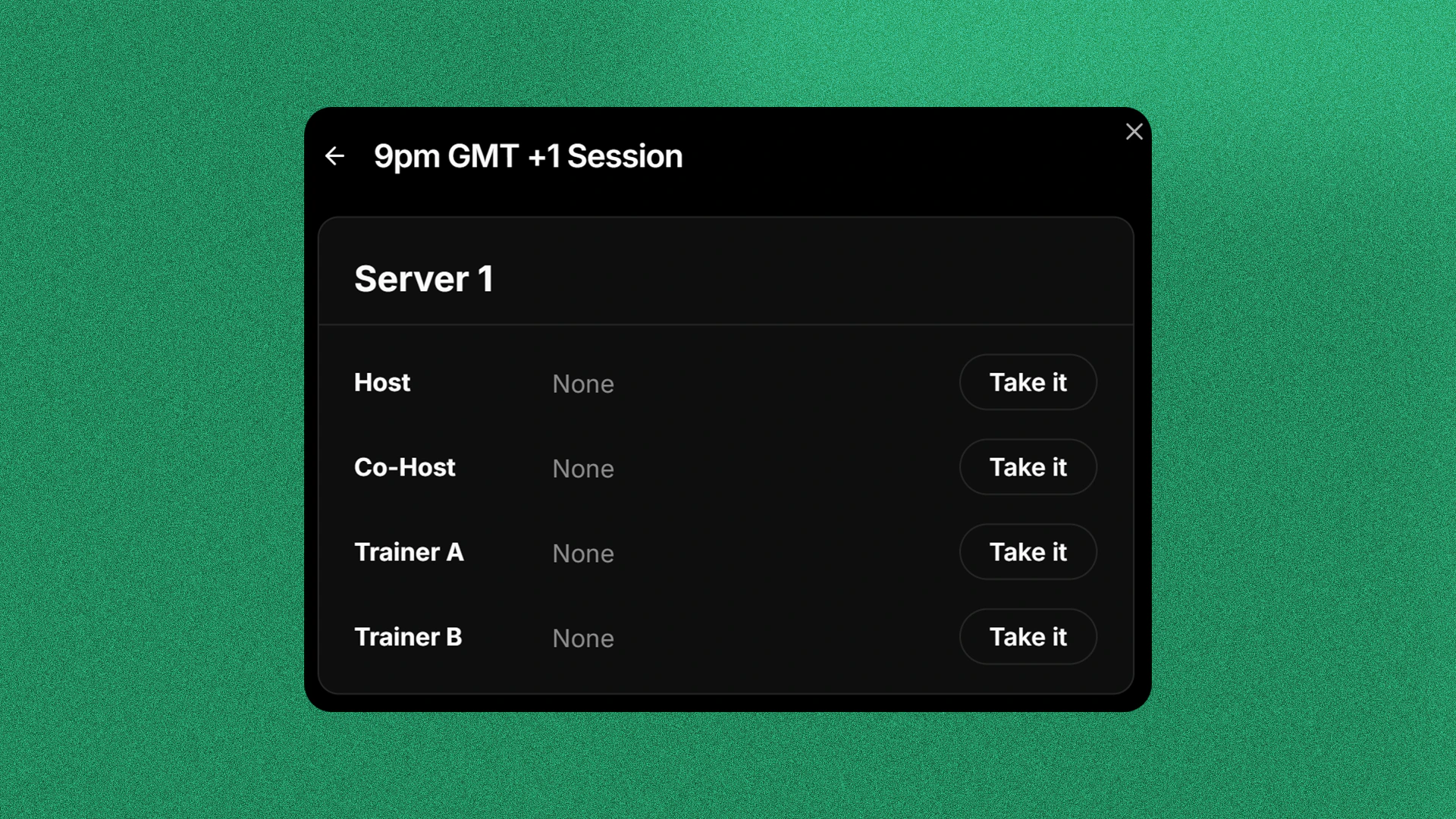
Joining Sessions allow you to reserver your spot on the session and automatically logs your session for your assignments!For claiming Host and Co-Host role, be sure that you have the following permission: Assign Host to Self (for Hosts), Assign Co-Host to Self (for Co-Hosts).
Go to the Session Calendar
To first join a session, first go to the session calendar by going to Activity → Sessions.
Select a Session
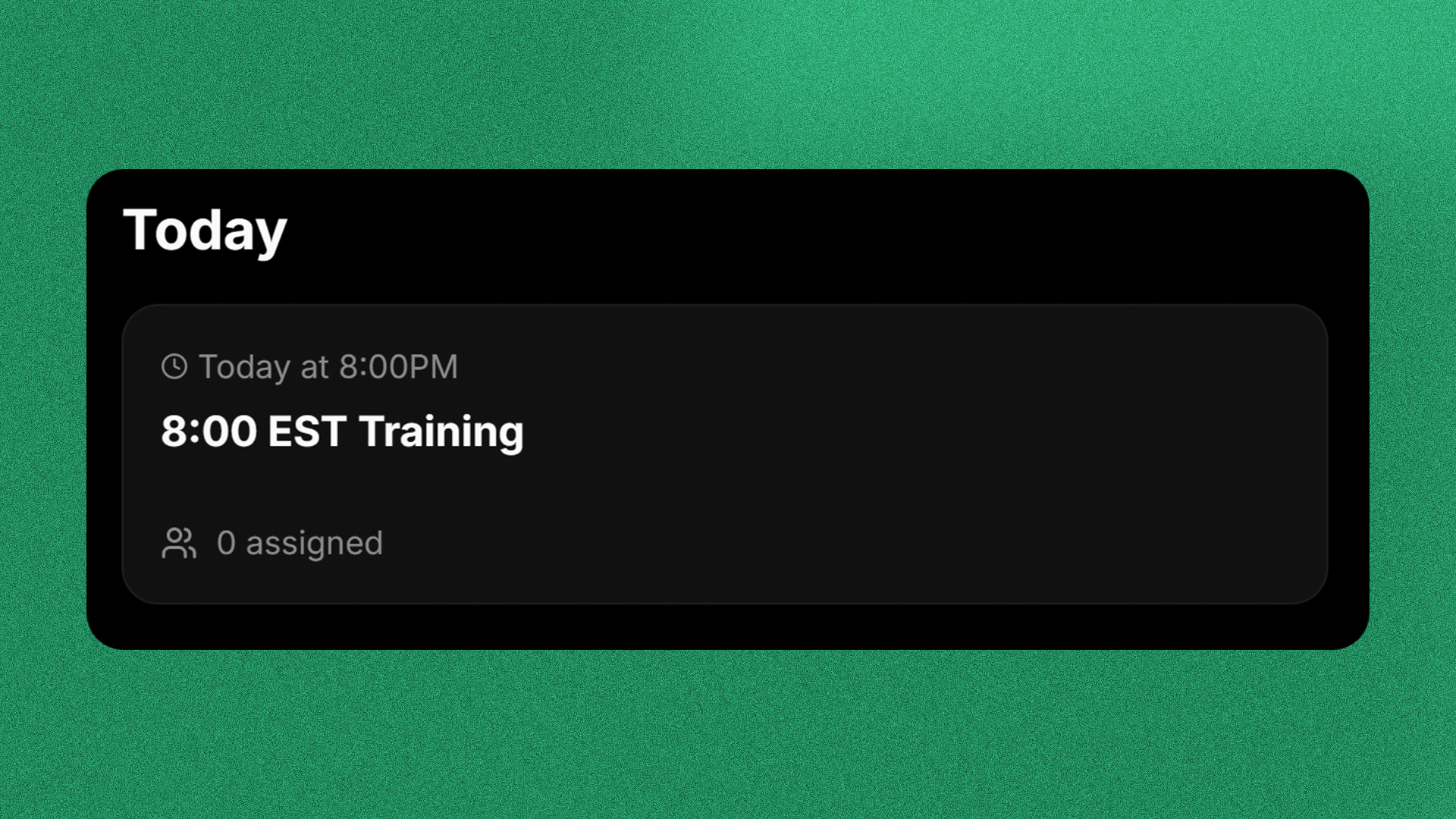
In the Session Calendar, select a session that you want to join.Please note that you can also switch the day that you want to view by clicking the week above