
Configuration
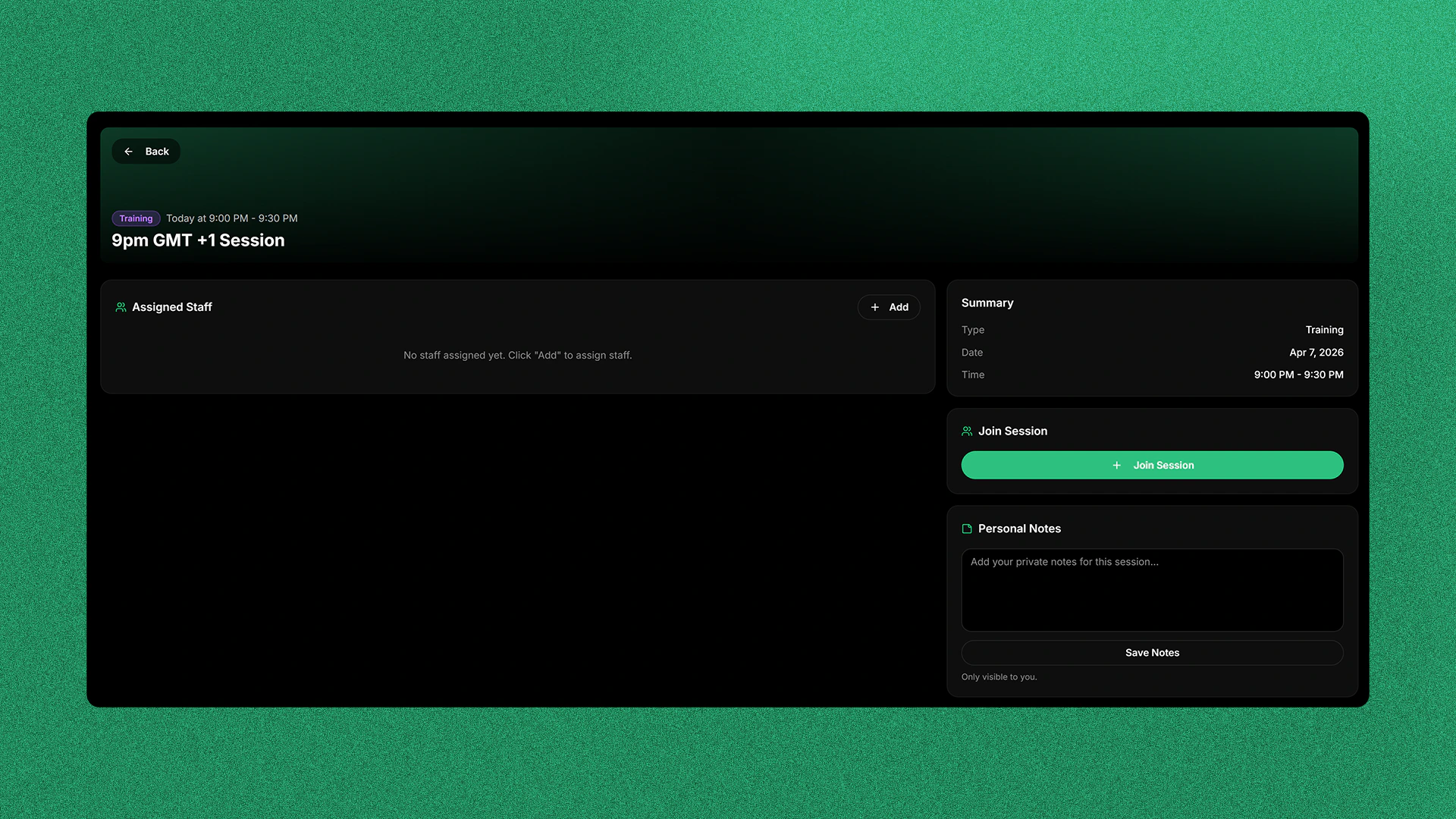
You can set custom banners for the Session Board in Settings → Customisation.Guidelines
In order to get the best results for your banner we recommend you follow these guidelines:- Use a high resolution image minimum recommended is 1920 x 300 pixels.
- Don’t put text in the bottom left of your image as this is where session info goes.
- Avoid images large text or logos.
- Use darker images as the session infomation is white.
- Patterns or gradients work the best, this is why the default image is a green gradient.
Currently we only support adding image URLs, image upload support will be added soon.