

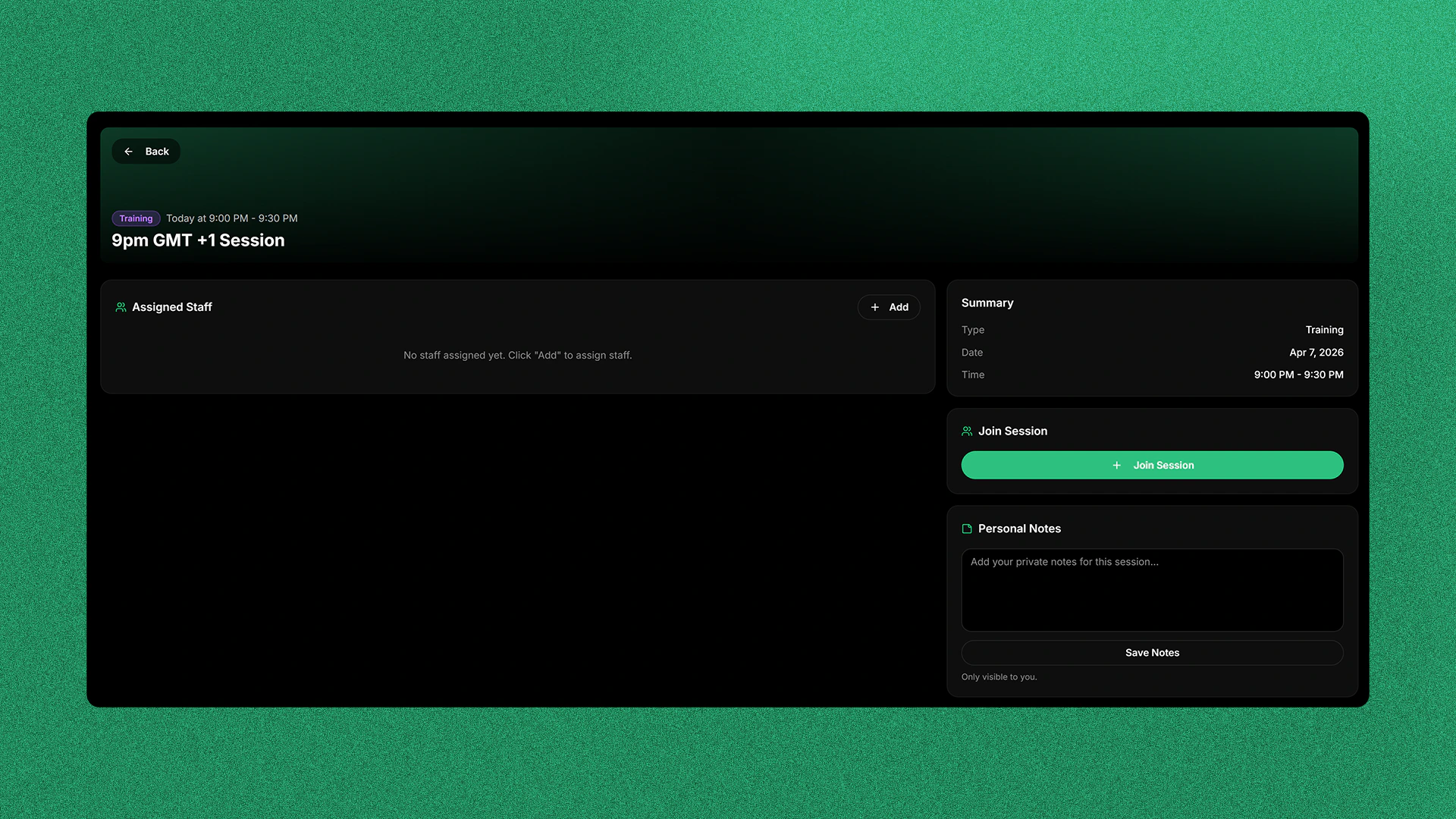
Assigned Staff
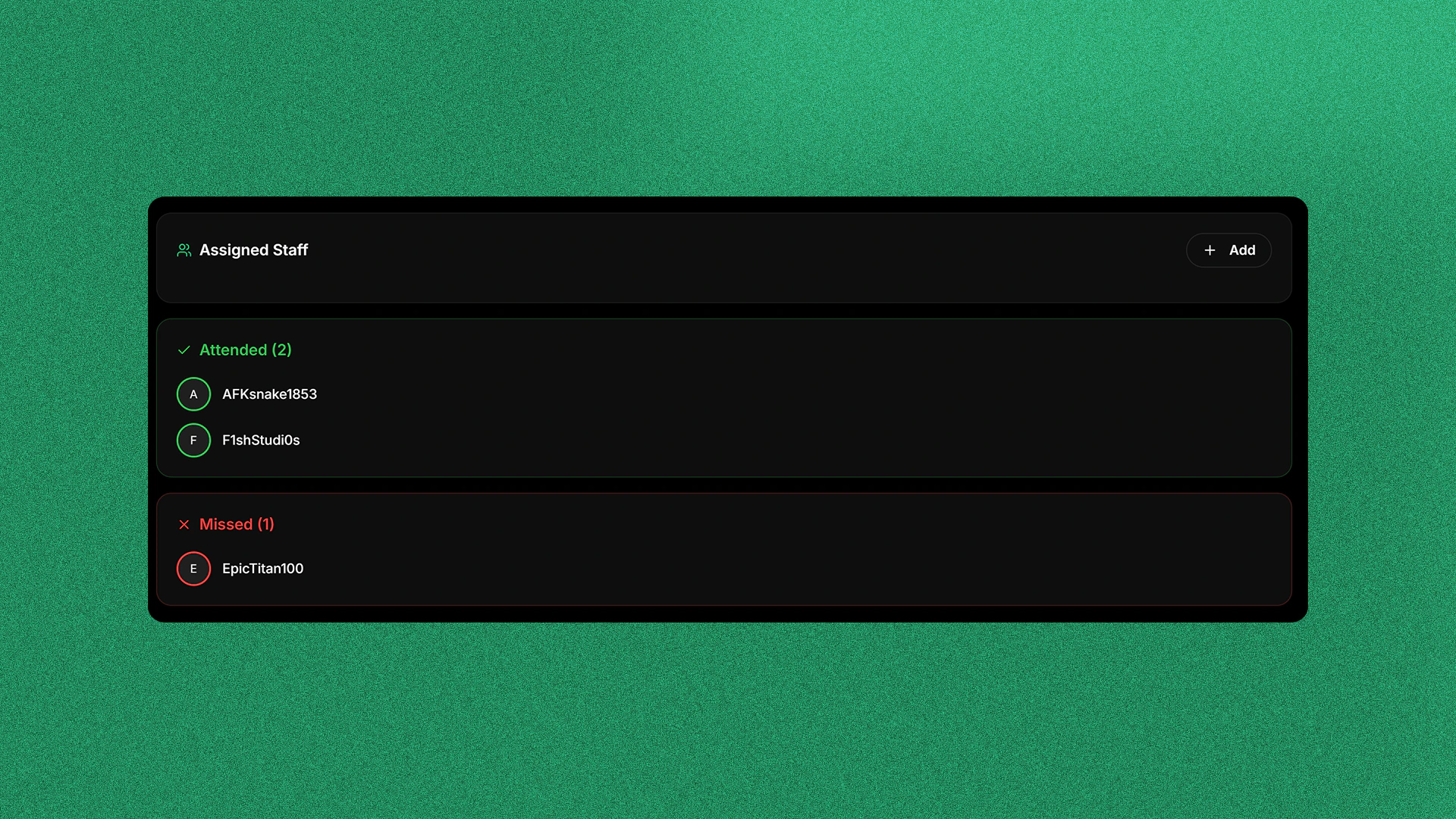
You can see all the staff that signed up for that session and the servers they are in. You can also manually add staff to a server and assign them a role.Taking Attendance
Selecting a Player
Select an existing player or add a player by clicking the Add button and selecting or searching them in the popup window.
Logging Attendance
Press the green tick to log the player as present and the red cross to log them as absent.
Personal Notes
You can enter Personal Notes and save them for later. For example, you could enter who failed in that Session to log later.A full Training Session system is coming soon where punishments will be logged automatically into the session board.